What you get
Text for every page, with page breaks kept · Layout-preserving output for tables and forms · Per-page note of whether the text layer or OCR was used · Download as .txt, or fetch through the API
Text extraction
When you need the words rather than specific fields, text mode reads every page, uses OCR where there is no text layer, and keeps the layout readable.
01The problem
02Checks
03What you get
Ready to use out of the box. Add, rename or remove fields for your workspace at any time.
Text for every page, with page breaks kept · Layout-preserving output for tables and forms · Per-page note of whether the text layer or OCR was used · Download as .txt, or fetch through the API
Title · Kind of document · Date · Short summary · Key facts as label and value pairs
04In the product
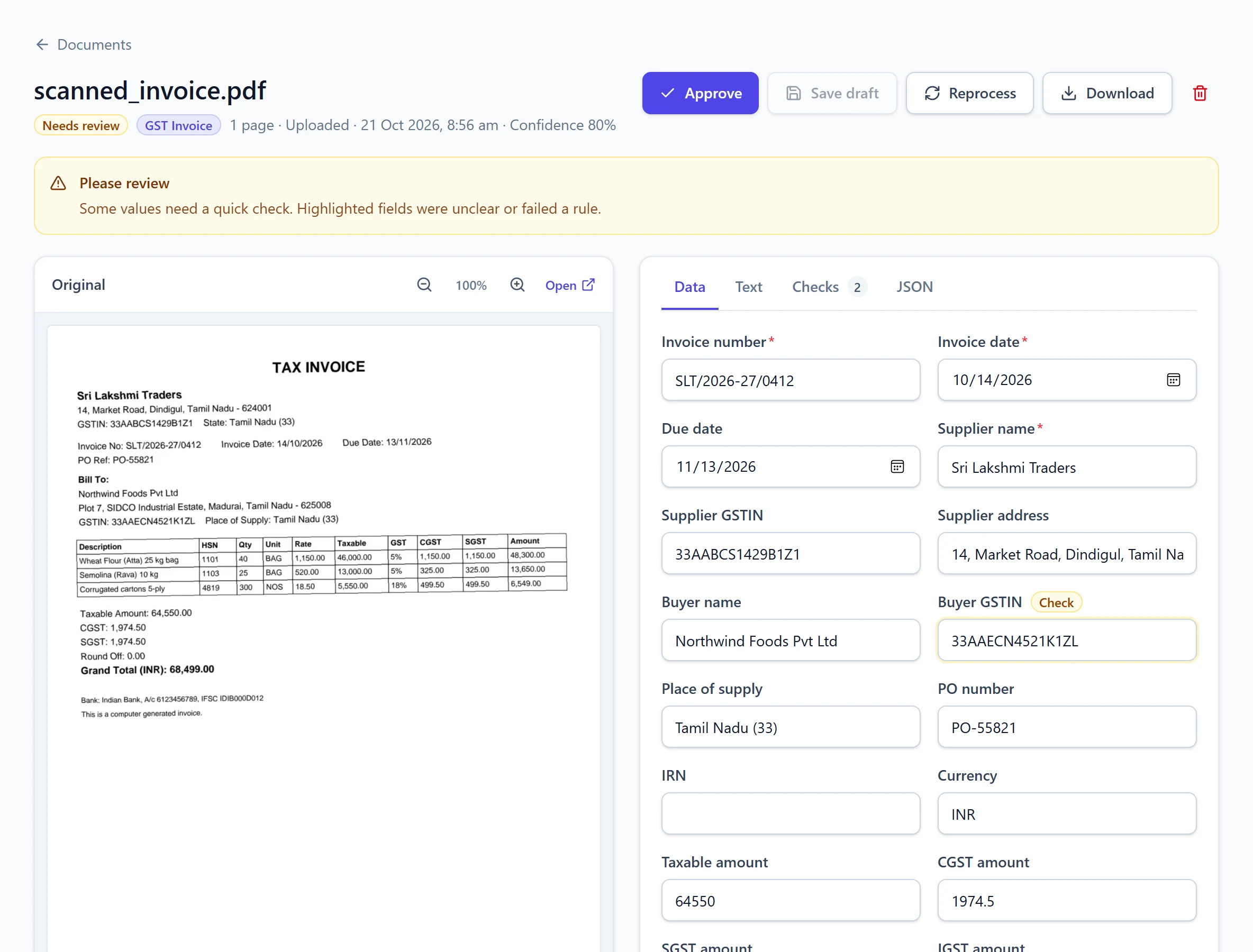
Every value sits next to the original page, every check explains itself, and nothing reaches your systems until it passes or a person approves it.
05Workflow
Tip: send these documents to your workspace address with the .general alias so they skip auto-detection.
Upload several files at once, email them, or post them to the API.
Each page is read from its text layer or with OCR in English, Hindi or Tamil.
Get the text as a .txt file, view it page by page, or fetch it as JSON.
Switch on AI extraction any time to pull out specific fields.
06More solutions
Read supplier GST invoices from email, upload or API and get invoice number, GSTIN, HSN lines and tax totals as Excel, JSON or a webhook.
Read supplier invoices, match them with the purchase order and goods receipt in your ERP, and save them there for review. Only the exceptions reach a person.
Convert bank statement PDFs, including scans, into a clean transaction table with dates, narration, debits, credits and balances that reconcile.
Capture purchase orders and goods receipt notes into structured data for three-way matching: PO numbers, items, quantities received, accepted and rejected.